Web app / 2023
Bob’s Computer Repair Shop
A warm, tactile repair-shop experience with secure accounts, service selection, invoices, and reporting backed by Cosmos DB.
The project
Bob’s Computer Repair Shop is a web development project built around a computer repair business.
The deployed application credits Andres Macias, Patrick Wolff, and April Yang. This entry describes the team application rather than attributing every feature to one contributor.
A more personal repair shop
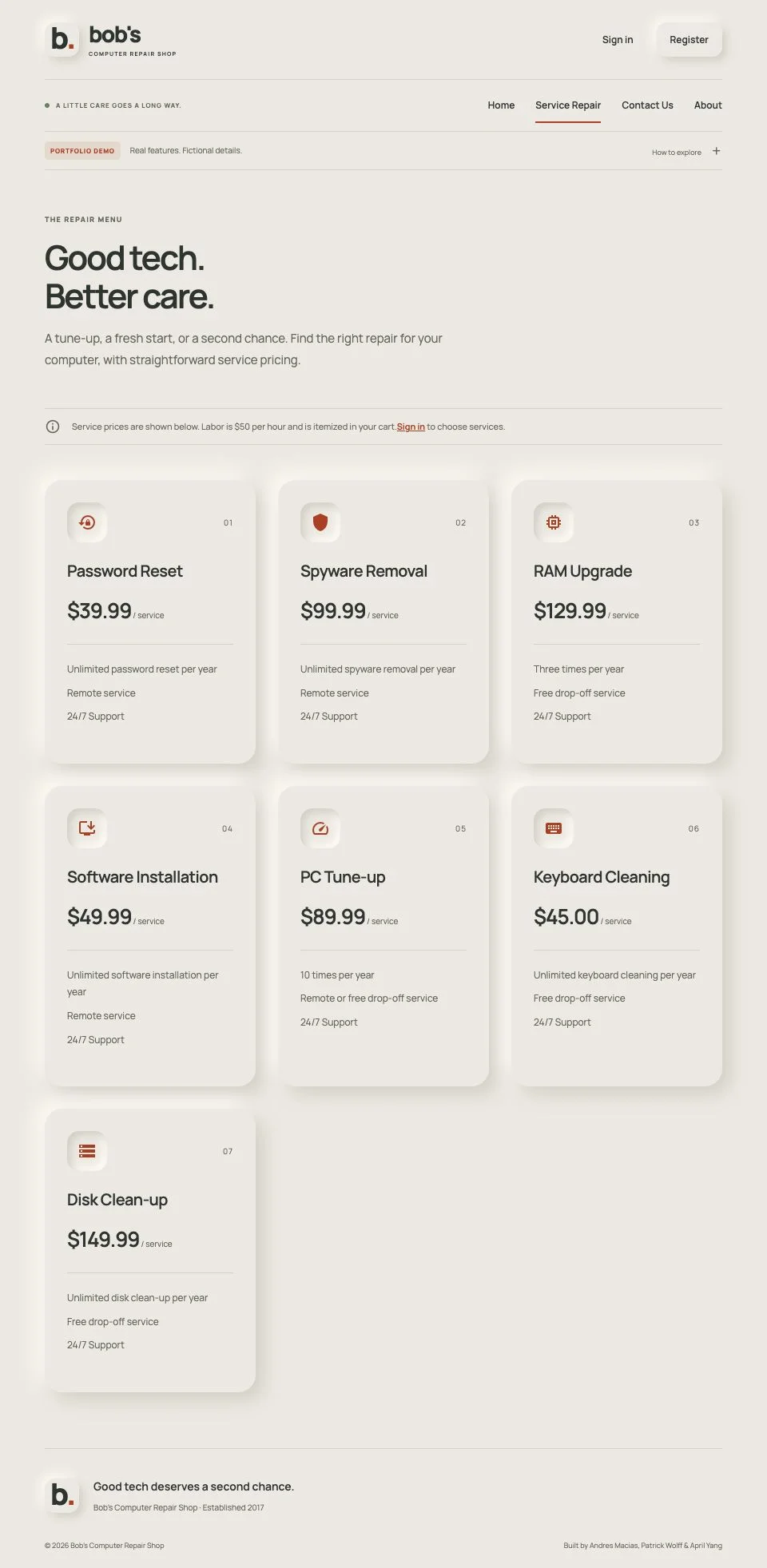
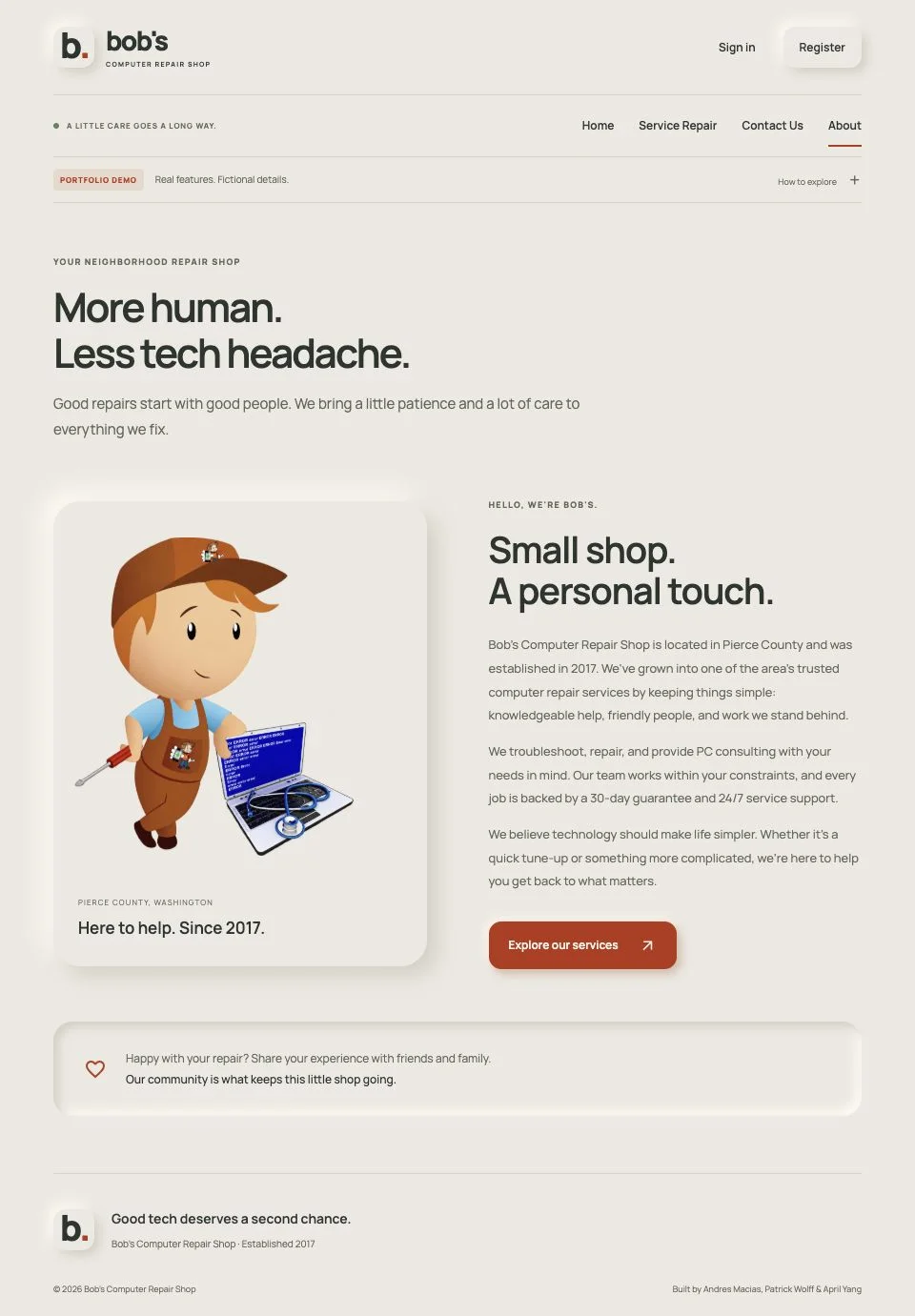
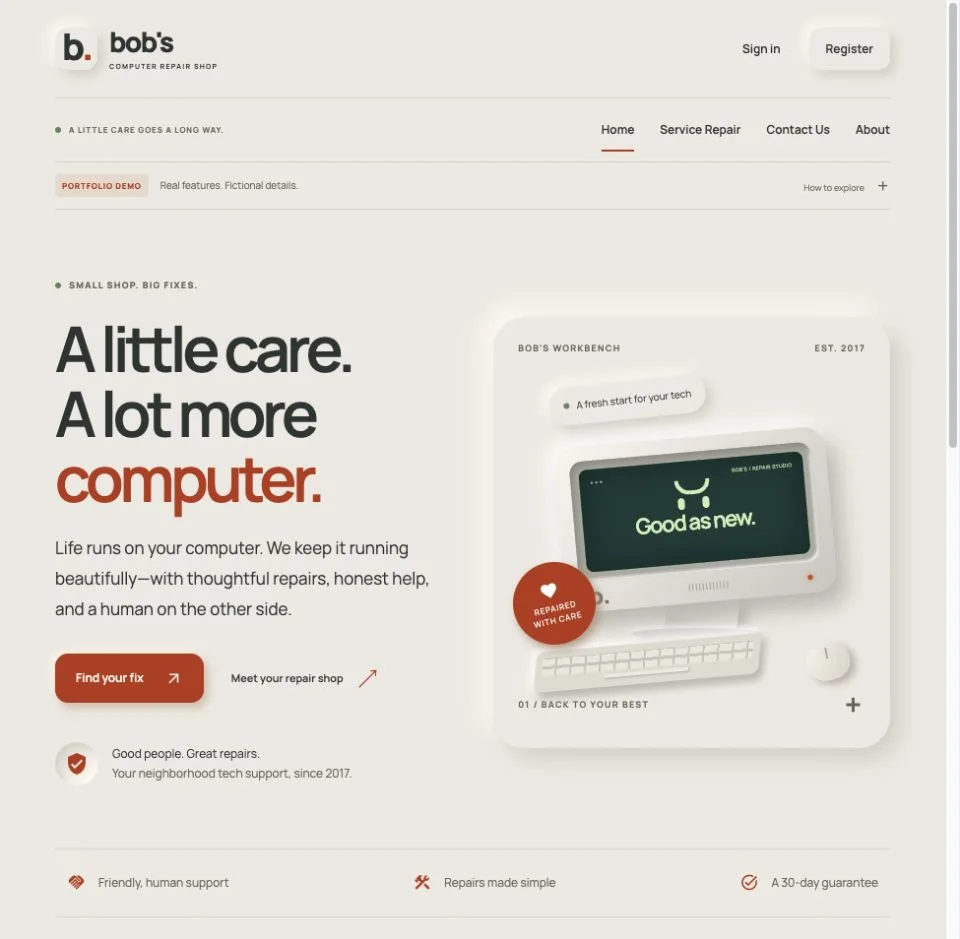
For the 2026 redesign, I wanted the shop to feel modern, welcoming, and carefully made. Warm stone surfaces, clay-orange accents, and soft raised and inset shadows give the interface a neumorphic style. A computer illustration built with CSS anchors the homepage, while the existing About-page character now sits on a transparent background.
The same visual language carries through the service catalog, sign-in and registration, profile, cart, invoice screens, reporting, and administration views. Responsive layouts, visible keyboard focus, and scrollable tables keep the interface usable on smaller screens. The redesign preserves the existing service prices, account features, invoice calculations, and backend behavior.
Try the full-stack demo
Choose Register to create an account using fictional details and a unique demo password. Sign out and back in to verify persistence, edit your profile from the account menu, choose repair services, and save invoices. My invoices and Purchases chart show your account’s saved records.
For a quick preview, choose Sign in → Try guest demo. The guest account shares sample invoices and previews fictional administration screens. It cannot access registered accounts.
Registration, login, profile editing, password changes, account deletion, and invoice creation, viewing, and deletion use the backend and Cosmos DB. Passwords are hashed and sessions use secure HttpOnly cookies; the server checks ownership independently of the interface.
This portfolio demo places no real orders or payments. Use fictional profile details. Each account retains its latest 50 invoices, with capacity for 100 registered accounts. No original customer data was migrated. Email recovery is not configured, so keep your demo password.
Demo data and cleanup
Registered accounts expire 96 hours after creation, and their invoices expire with them. Editing an account does not extend its lifetime. Visitor-added invoices in the shared guest demo have their own 96-hour deadline. Permanent fictional samples remain available.
The API rejects expired data immediately. An hourly cleanup workflow and cleanup on API access remove expired records; scheduled runs can be delayed, so physical deletion may happen after the deadline. The demo keeps full database-backed registration and invoice persistence during that window.
The stack
Angular Material and PrimeNG provide interface components, and Chart.js displays service counts. Azure Static Web Apps Free serves the frontend and an included Node.js Functions API. The API uses Mongoose to access Cosmos DB’s MongoDB-compatible interface.
The server calculates prices from the fixed catalog, validates adjustments, enforces account ownership, and bounds account and invoice storage. BCRS, Nodebucket, and Pets-R-Us share one 400 RU/s database pool in the Cosmos free-tier account. Each app uses its own collections and scoped database credentials.
Explore the code
The frontend lives in src, and the deployed demo API lives in api. Original team coursework remains credited in the source and interface. The repository includes setup instructions and a GitHub Actions workflow that tests, builds, deploys, and checks database connectivity.
The frontend runs Angular 21 LTS with compatible Material and PrimeNG libraries, and CI checks dependency advisories. The Azure deployment uses free service tiers with the trial spending limit enabled; availability depends on the subscription remaining active.
Built together, iterated together
The original application was a team coursework project. For the 2026 redesign, I worked with ChatGPT/Codex as a development collaborator: I chose the neumorphic direction, reviewed the working pages, and requested the final About-image cleanup. Together, we updated the presentation and checked the existing flows with automated tests and desktop and mobile browser checks.
“Built with AI” describes the development process. The live application does not call an AI model or add an AI service cost. Hosting continues through the existing free Azure setup.
FROM THE LIVE DEMO
A closer look.
Open a screenshot to see it at full size.